Dated photos, paired before/after, one handover pack
Metre2 Site Photo Progress Tracker
Dated site photos organised by project and area, paired before/after shots, defect tags
on individual photos, a simple client-approval workflow, and a CSV handover manifest for
the approved set.
The Photos gallery grid, the Before / after side-by-side compare, the Approvals worklist, the Handover manifest builder, and the Projects/areas view.
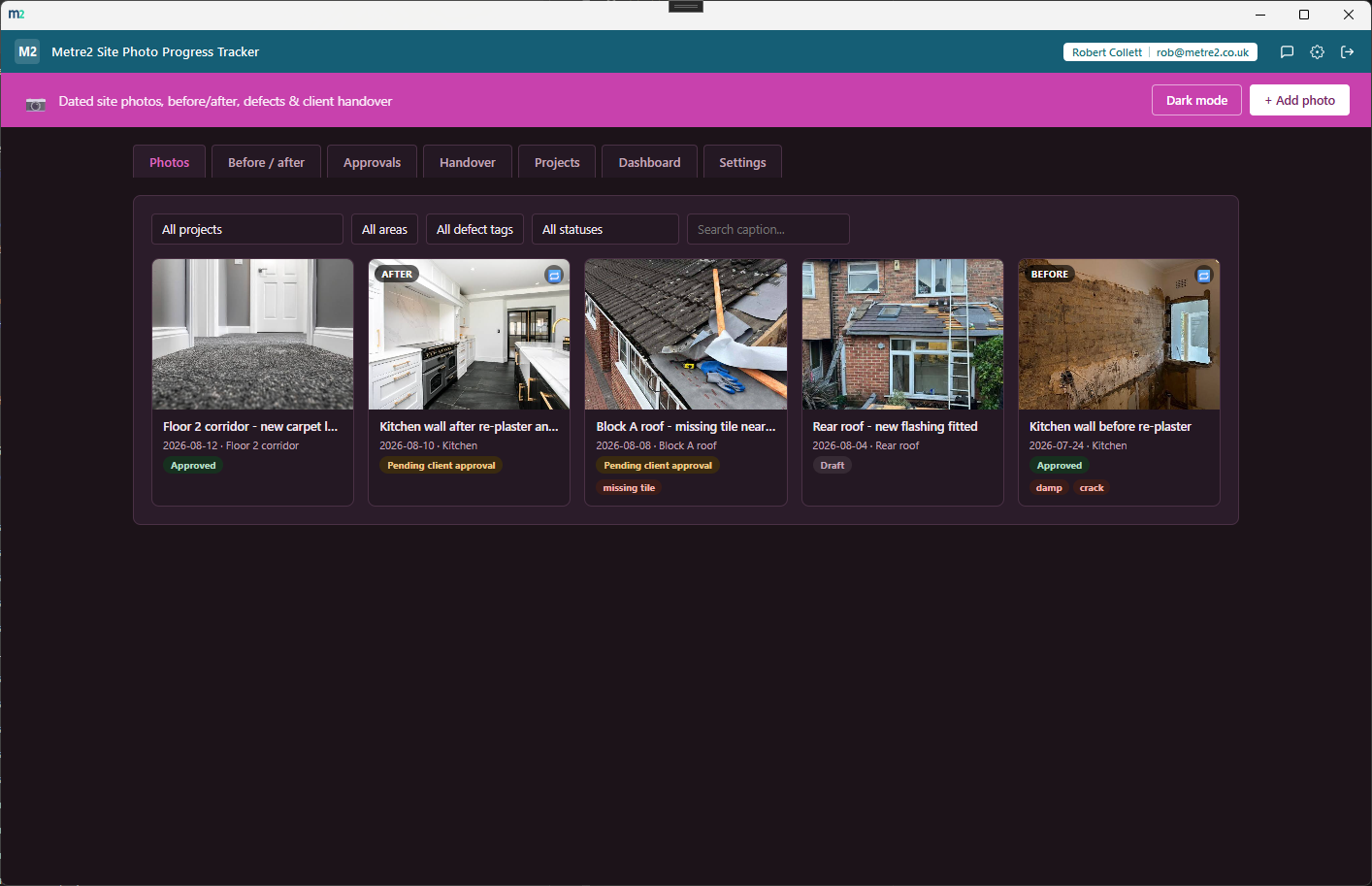
Photos - a filterable gallery grid grouped by project and area, with role and approval-status badges on every card
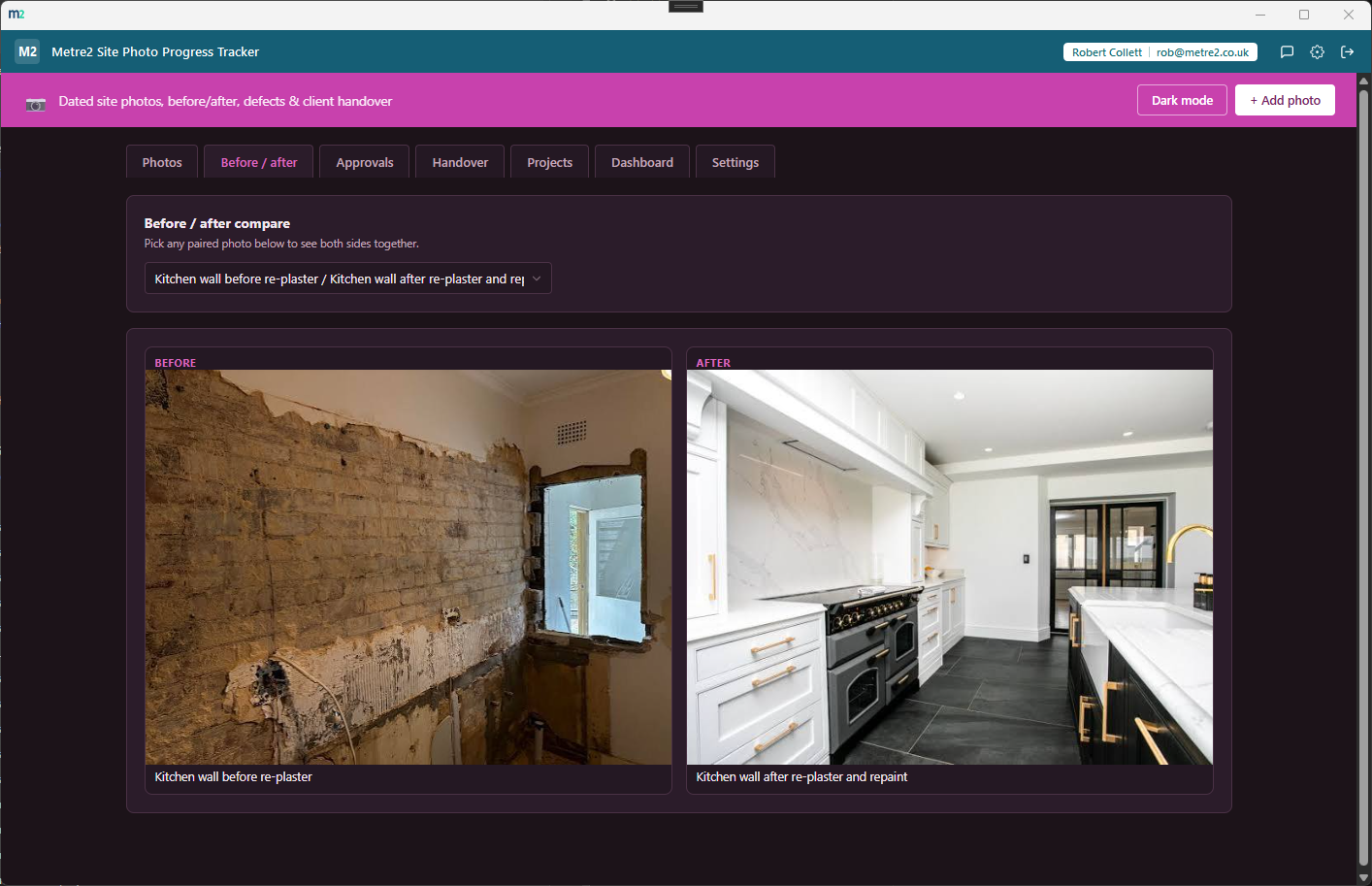
Before / after - pick any paired photo to see both shots side by side
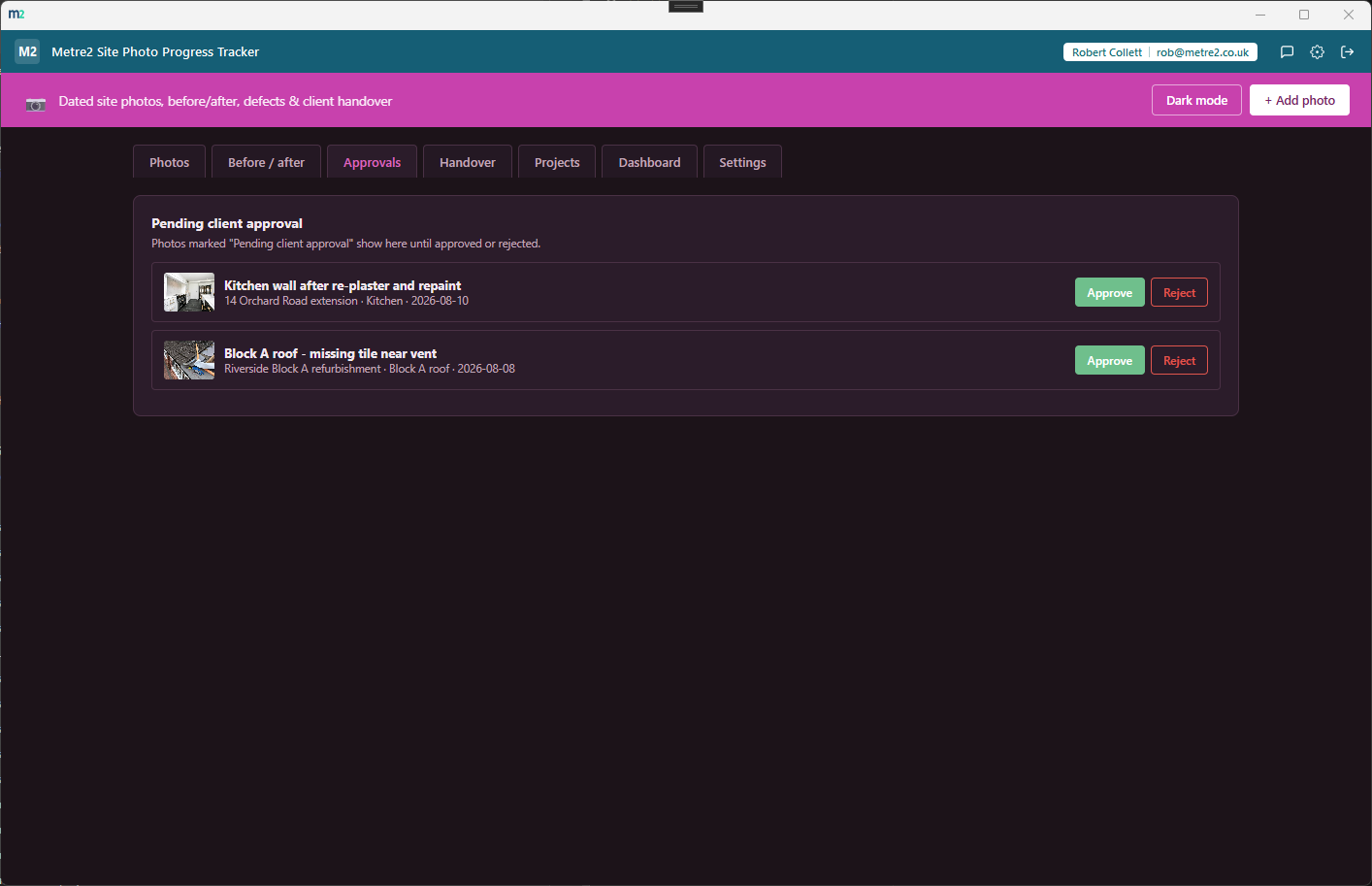
Approvals - a simple worklist of photos pending client sign-off
Handover - bundle a project's approved photos into a package and export a CSV manifest
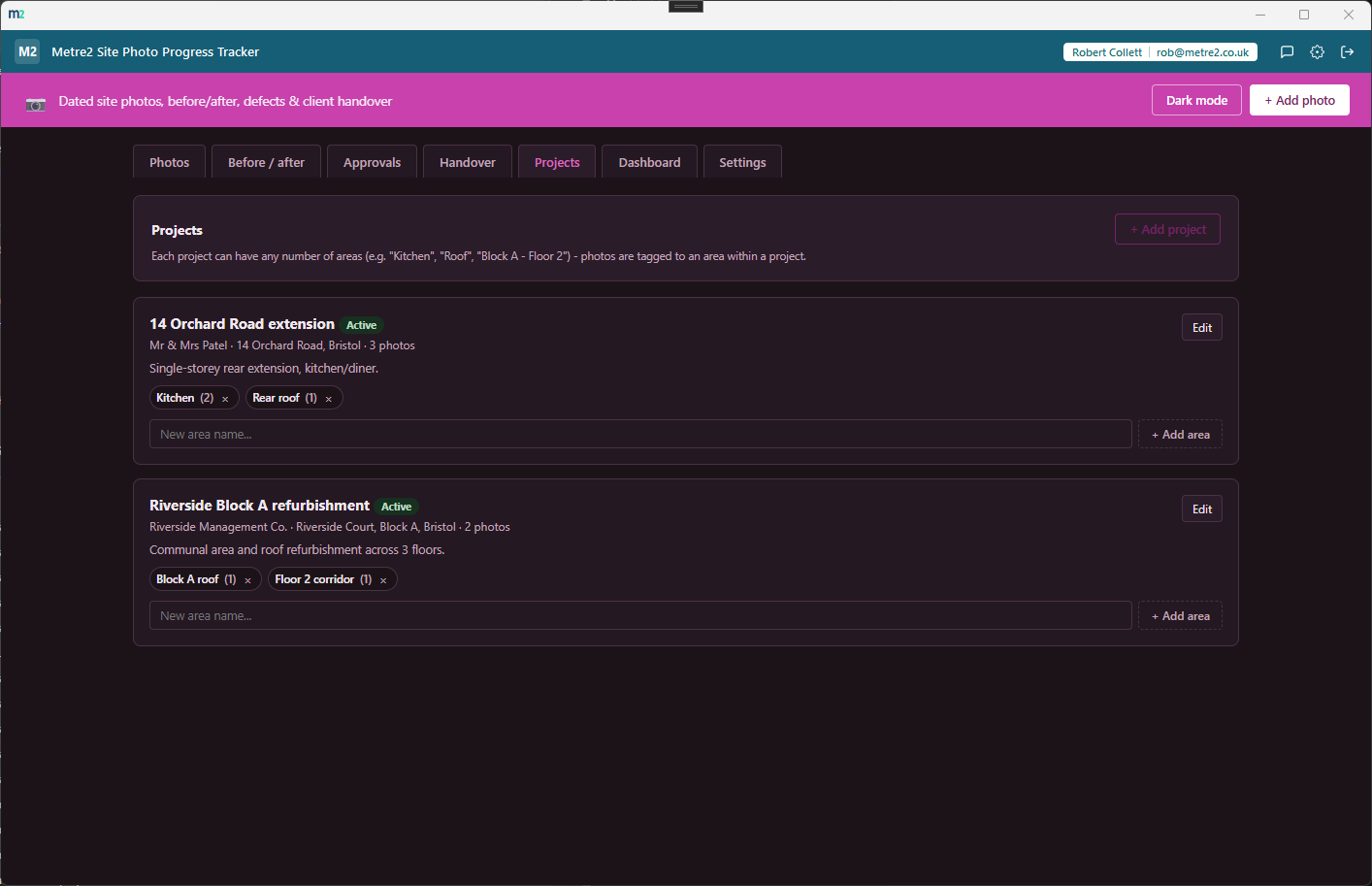
Projects - manage each project's areas inline, with a running photo count per area
A photo gallery grid, not a calendar or a list
Photos are organised by project then area in a filterable gallery grid - filter by
project, area, defect tag, approval status or a caption search.
Projects and areas
Each project can have any number of areas - "Kitchen", "Roof", "Block A - Floor 2" -
and every photo is tagged to an area within a project, with a status of Active or
Complete per project.
Paired before/after shots
Pair any two photos in the same project and area as before/after partners, then pull
up either side from the Before / after tab to compare them together.
Defect tags on individual photos
A free-text, comma-separated tags field per photo (crack, damp, missing tile) - filter
the gallery by any tag that's been used to pull up every photo flagged with a
particular defect.
Simple client-approval workflow
Every photo carries a status - Draft, Pending client approval, Approved or Rejected -
with a dedicated Approvals worklist showing everything waiting on a decision.
CSV handover manifest
Bundle a project's approved photos into a named package and export a CSV manifest -
date, area, caption, role, approval status, tags and notes - ready to hand to a
client. A manifest, not a ZIP of the images themselves.
Photos are compressed automatically
Every photo is resized to a maximum of 1280px on the long edge and compressed to a
JPEG at roughly 72% quality before it's stored - keeping typical use well inside the
browser's local storage ceiling.
Dashboard with a storage usage bar
Stat tiles for projects, photos, pending approvals, defect-tagged photos and
before/after pairs, plus an approximate storage-usage bar so you can see how much
room you have left before it fills up.
Light/dark theme, and sample data
A light/dark toggle that remembers your choice, and the app seeds a realistic sample
(two projects, four areas, five photos including a paired before/after shot) on first
launch so you can see it working straight away.
Your data stays on your device
Every project, area, photo and handover package lives in local storage, not on a
server - the app works entirely offline, with no cloud backup or sync.
How it compares to a phone camera roll or a shared drive
Most tradespeople and small site teams either rely on a phone's own camera roll or drop
photos into a shared drive folder. Here's how a dedicated project/area photo tracker
compares.
Feature
Site Photo Progress Tracker
A phone camera roll
A shared drive folder
Pricing model
£0.79 one-off after trial
Free (comes with the phone)
Free, if you already have one
Organised by project and area
✓
✕ (one long chronological roll)
✕ (you'd build the folder structure yourself)
Paired before/after comparison
✓
✕
✕ (manual, by filename)
Defect tags on individual photos
✓
✕
✕
Client approval status per photo
✓
✕
✕
Handover manifest export
✓ (CSV manifest)
✕
✕ (manual write-up)
General comparison as of August 2026.
Frequently asked questions
How are before/after photos paired?
When adding or editing a photo, pick another photo in the same project and area to pair it with as its before or after partner. Pairing is symmetric - it shows up from either photo, and the Before / after tab lets you pick any paired photo to see both shots side by side.
Where are my photos stored?
Photos are resized to a maximum of 1280px on the long edge and compressed to a JPEG at roughly 72% quality, then stored as a data URL in the same local record as your projects and areas - nothing is uploaded anywhere. There's no cloud backup or sync; the app works entirely offline.
Is there a storage limit?
Browser local storage has a practical ceiling, typically around 5-10MB per installation. The Dashboard tab shows an approximate usage bar so you can see how much room you have left. If storage does fill up, saving a new photo fails with a clear message rather than silently losing data - delete some older photos first.
What does the handover export actually produce?
A plain CSV manifest listing each approved photo's date, area, caption, role, approval status, defect tags and notes - not a ZIP of the actual image files. It's a best-effort manifest for a client sign-off pack, not a full package export.
How does the client approval workflow work?
Every photo has an approval status - Draft, Pending client approval, Approved or Rejected. Anything marked Pending shows up on the Approvals tab as a simple worklist with Approve and Reject buttons. Only Approved photos can be added to a handover package.
Can I tag defects directly on a photo?
Yes. Each photo has a free-text, comma-separated defect tags field (e.g. "crack, damp, missing tile"). The Photos tab lets you filter by any tag that's been used, so you can pull up every photo flagged with a particular defect across a project.